Open source, MIT-licensed
Your store listing, kept in the repo.
An agent skill that runs your iOS, Android, Flutter or React Native app, captures store-ready screenshots, and writes the App Store and Google Play listing into fastlane/, so you review it like code.
In Claude Code:
/plugin marketplace add bilal-/listing-kit
/plugin install listing-kit@listing-kit
In Codex:
codex plugin marketplace add bilal-/listing-kit
codex plugin add listing-kit@listing-kit
In Gemini CLI:
gemini extensions install https://github.com/bilal-/listing-kitThen ask your agent: “Use listing-kit to prepare App Store and Play screenshots for this app.”
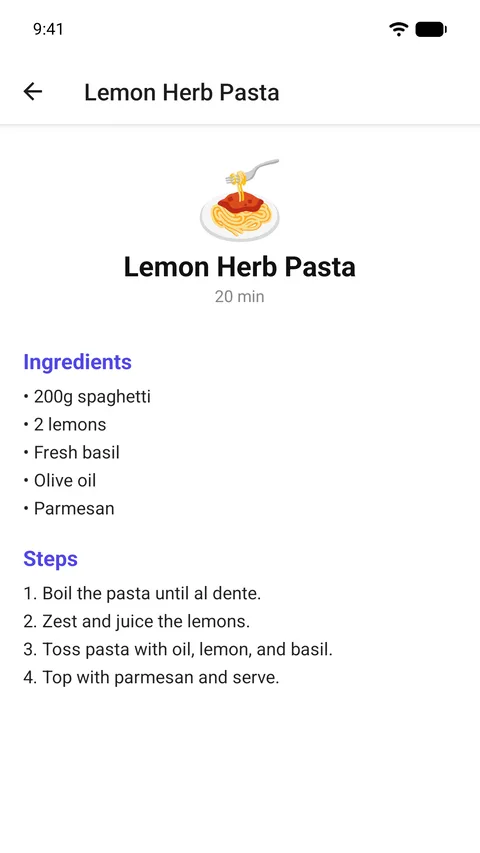
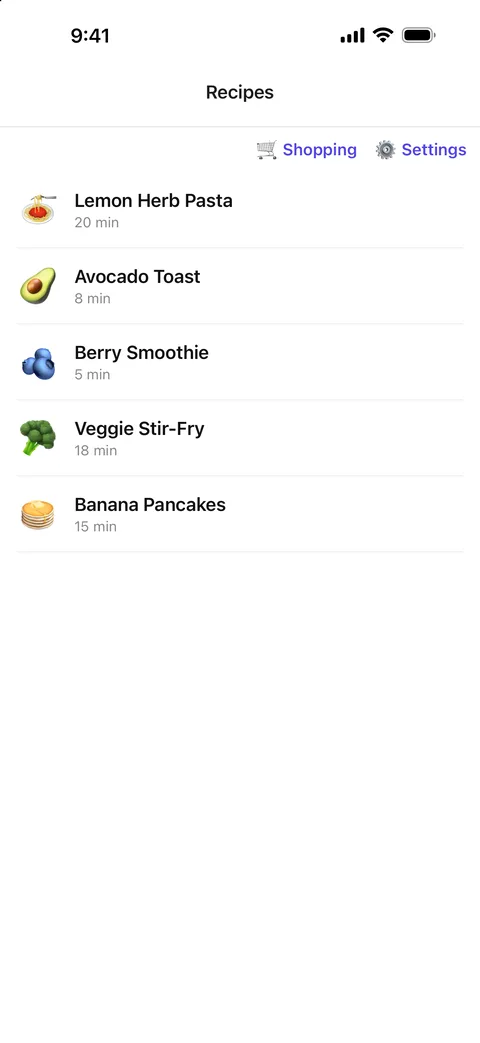
From repo to listing in ten steps
The agent works through the same pipeline every time. It stops for you at the decisions only you can make, and installs heavy tools only when a step needs them.
Understand
detect
Finds the stack and the app root, even in a monorepo.
doctor
Checks Xcode, the Android SDK, Flutter or Node before any build.
discoveryou decide
Lists your screens from routes and nav graphs.
planyou decide
Stores, device classes and locale.
Prepare
configureyou decide
URLs, copyright, demo data. Never invented.
run
Release build, 9:41 status bar, permissions granted.
Capture
driveMaestro
Maestro taps to each screen and rejects empty ones.
captureImageMagick
simctl and adb, flattened to store-ready RGB.
Ship
assemble
Writes the fastlane tree and scans for secrets.
validate
Checks every file against store rules.
Plain files you can diff
Everything lands in fastlane’s layout, so fastlane deliver and supply can publish it. This is the real output for the example app.
Your repo
- fastlane/
- metadata/en-US/
- name.txtA
- subtitle.txtB
- description.txt · keywords.txt · …
- screenshots/en-US/
- 01_recipes.png … ipad13_04_settings.pngC
- metadata/android/en-US/
- title.txtD
- short_description.txtE
- images/featureGraphic.pngF
- images/phoneScreenshots/G
App Store

Recipe Box: Cook & Shop A
Save recipes, plan your shop B
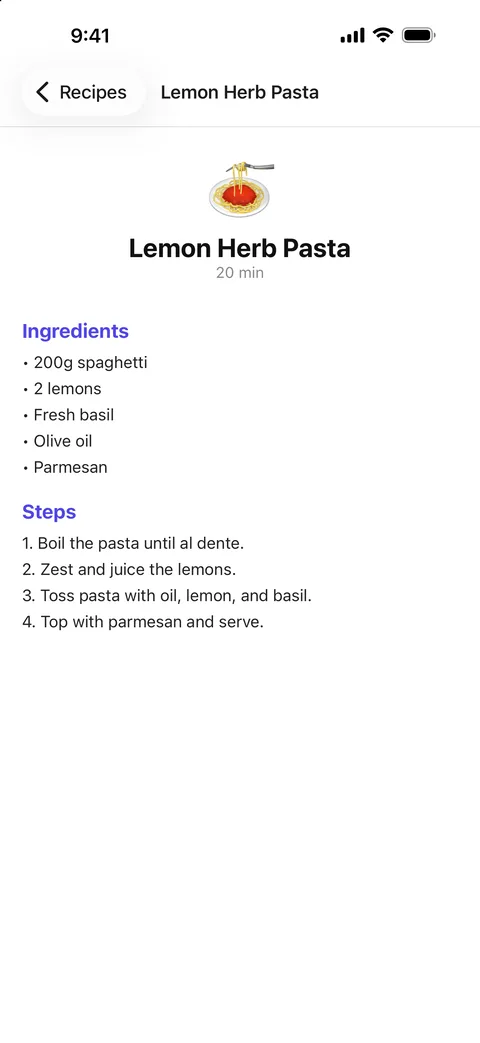
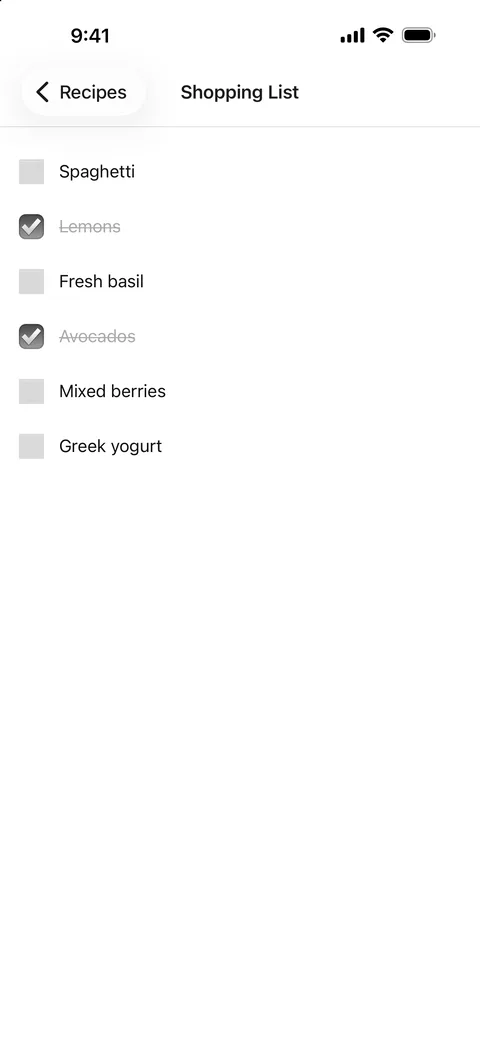 C
CGoogle Play
 F
FRecipe Box: Cook & Shop D
Save recipes and your grocery list in one place. Cook more, forget nothing. E
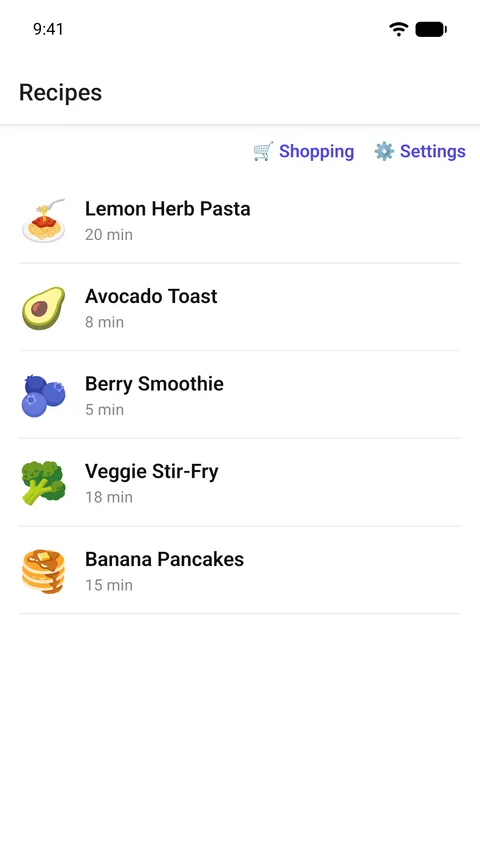
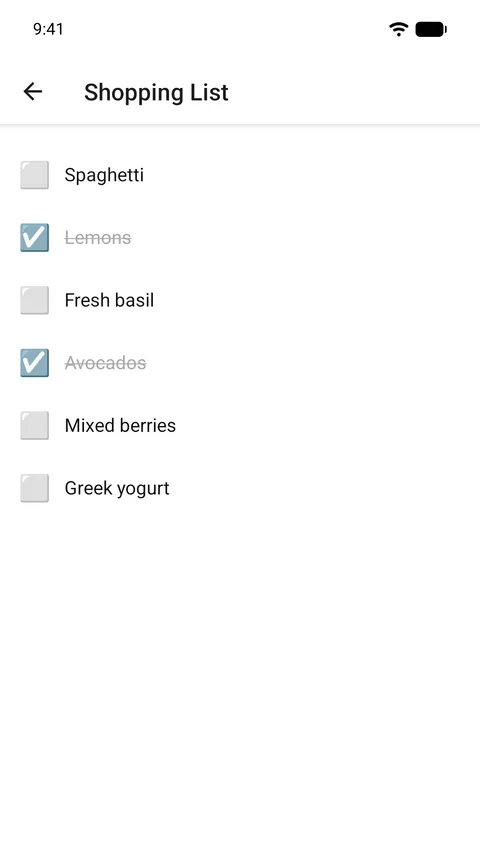
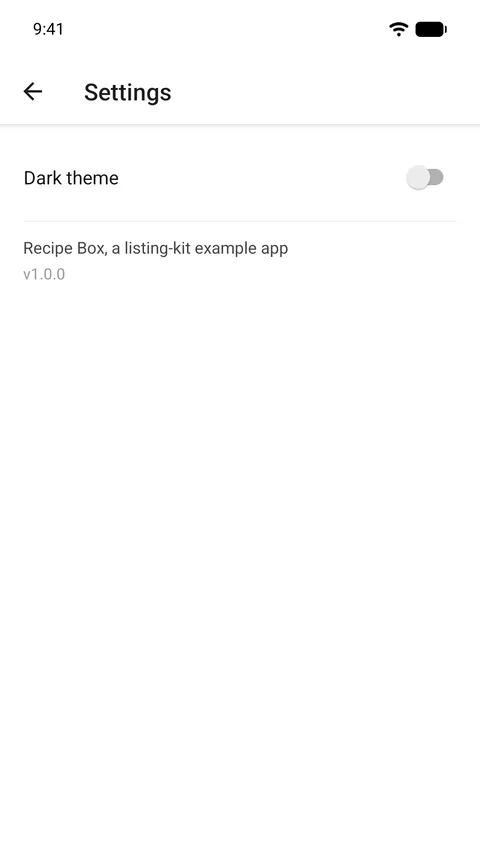 G
GChecked before you ship
The validator checks copy limits, screenshot sizes and formats, and Play’s graphics against current store rules, then runs the secret scan. A review page shows the whole listing with copy buttons for the store consoles.
- Character limits, with App Store keywords counted in bytes
- Every screenshot sized for an App Store display class or Play’s rules
- No alpha channel, 8-bit colour, Play’s 2:1 limit
- Required iPad set when the app runs on iPad
listing-kit — validating: .
== Apple App Store ==
 locale en-US:
  ✓ name: 23/30 chars
  ✓ subtitle: 28/30 chars
  ✓ promotional_text: 85/170 chars
  ✓ keywords: 79/100 bytes
  ✓ description: 671/4000 chars
  ✓ support_url: https://github.com/bilal-/listing-kit/issues
  ✓ marketing_url: https://github.com/bilal-/listing-kit
  ✓ privacy_url: https://github.com/bilal-/listing-kit/blob/main/examples/expo-recipe-box/PRIVACY.md
  ✓ release_notes: 40/4000 chars
  ✓ copyright.txt present
 screenshots en-US:
  ✓ iPhone screenshots present (4 at 6.9"/6.5")
  ✓ iPad screenshots present (4 at 13") — required (app runs on iPad)
  ✓ all screenshots are RGB/no-alpha
== Google Play ==
 locale en-US:
  ✓ title: 23/30 chars
  ✓ short_description: 75/80 chars
  ✓ full_description: 671/4000 chars
  ✓ phone screenshots: 4 (≤8) ✓ format/size/aspect
  ✓ screenshots across device types: 4 (≥2)
  ✓ feature graphic 1024x500 24-bit no-alpha
  ✓ icon 512x512
  ✓ secret scan: clean
  ✓ flow secret scan: clean
── 22 passed · 0 warnings · 0 failures ──
LISTING VALID
Careful by default
Never invents your details
Support, marketing and privacy URLs, copyright and category come from you. If one is missing, it asks or leaves the field for you to fill.
Never commits a secret
Demo-account logins stay in a git-ignored file. A secret scan fails the run if a key or token reaches the listing.
Never rewrites good copy
On a rerun, your existing listing is the baseline. It edits what changed and leaves the rest byte for byte.
Works with your stack and your agent
One skill, plain shell scripts, every agent. Kiro loads it as a steering doc; Copilot CLI finds it through AGENTS.md in a clone. Full setup is in the guide.
Apps
- Native iOS
- Native Android
- Flutter
- React Native
- Expo
Stores
- App Store
- Google Play
Agents
- Claude Code
- Codex
- Gemini CLI
- Copilot CLI
- Kiro